How To Redeem RewardsUpdated a month ago
Here’s how to redeem your rewards on an order:
1. Log in to your account on our main website. 
2. Add your items to your cart and proceed to checkout.
3. You’ll see any available redeemable rewards at checkout — select the one you’d like to use.
*As long as you’re signed in, only rewards you currently qualify for will appear, based on your balance, order total, and any minimum purchase requirements. Any previously redeemed rewards will also be available at checkout, provided they haven’t been used, expired, or revoked.
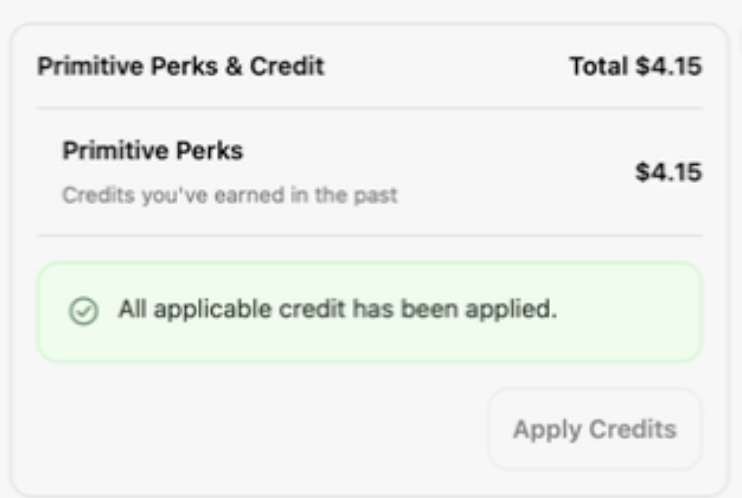
*Note: Store credit is not compatible with the PayPal payment method.